
WaveRhythmLab
Welcome Back
Sign in to access your WRL workspace.
Don't have an account?
WaveRhythmLab
Sign in to access your WRL workspace.
WaveRhythmLab
Create your WRL User Portal account to access the ecosystem.
WaveRhythmLab
Enter your email address and we'll send you a reset link.
WaveRhythmLab
Enter a new password for your User Portal account.
Go to Login
WaveRhythmLab
Create a User Portal password for your WaveRhythmLab account. Minimum 8 characters.
Go to Login
WaveRhythmLab
We sent a verification link to your email address. Please open the email and click Verify Email to activate your WRL account.
Check your spam or promotions folder if you do not see the email.
WaveRhythmLab User Portal
Your secure trading workspace.
WaveRhythmLab User Portal
Smart Box identifies setups. Assistant PRO manages execution. WRL Ecosystem connects the full workspace.
WaveRhythmLab Blog
Trading structure, execution, review, and trader development insights from WaveRhythmLab.
Reward Journey
Complete the onboarding journey to unlock Assistant Lite.
Your 7-day MT5 trade companion.
Not downloaded yetAssistant Lite unlocks after all setup steps are completed.
Consistency tier preview
Activity placeholder
Available for AI Assistant PRO
Participation and progress
Community Rankings
Top traders and products across the WRL ecosystem.
Top Trader Profile
Full details available in User Portal. Trading history and private settings are protected.
Structure, execution, and full workspace access.
Ecosystem workspace
Indicator workspace
Products and support
Account Status
Your User Portal workspace is ready for product access, onboarding, and synced Assistant PRO activity.
Support
Find setup answers, refund policy, and a direct support path.
Webhook / Sync
Assistant PRO can sync closed MT5 trades into the User Portal journey when connected.
Loading latest trades...
| ID | Closed At | Symbol | Account | Direction | Lot | Entry | Exit | Profit | Review | Source | Ticket |
|---|
Product Hub
Explore WRL tools and infrastructure, then inspect one compact product section at a time.
Tools
Professional market structure framework built for breakout, continuation, and execution planning.
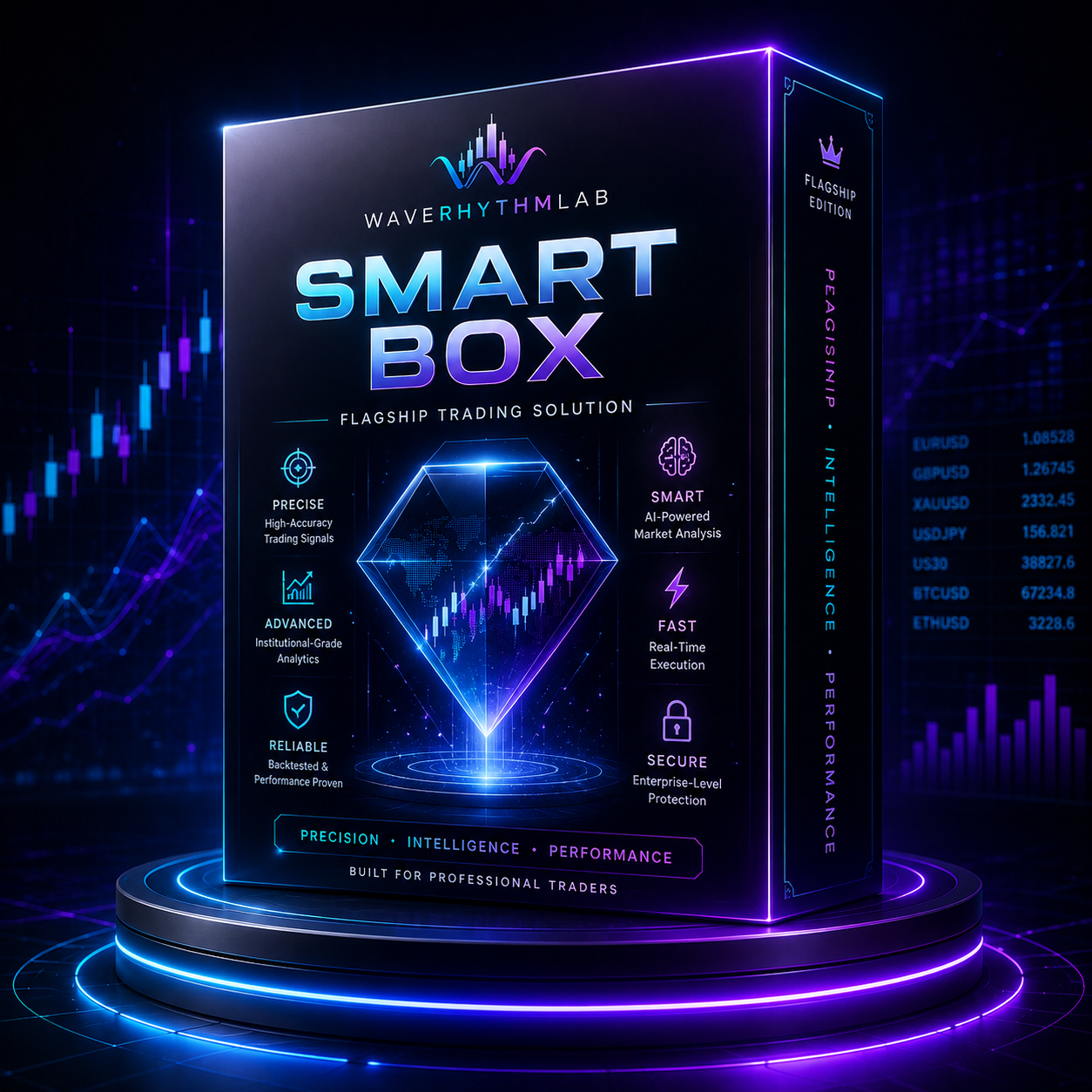 Product Render Coming Soon
Infrastructure
Full WRL access: complete indicator library, Assistant PRO Cloud EA, User Portal, Journey, Analytics, AI Assistant, Community, Rankings, and future WRL tools.
Available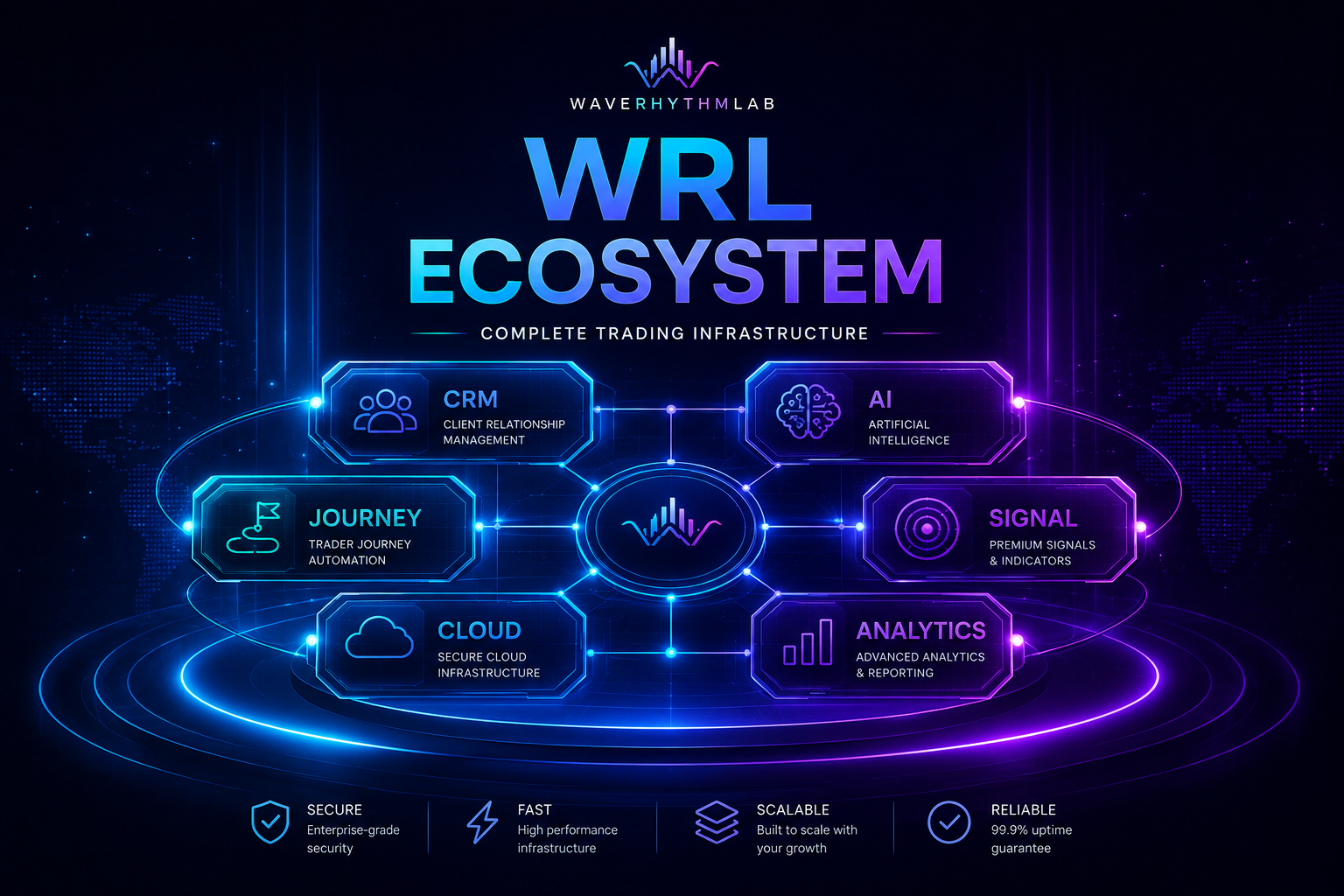 Product Render Coming Soon
Smart Box
Assistant PRO
Execution infrastructure for BE, partial close, runners, trailing, risk controls, analytics, User Portal sync, and AI Assistant.
Assistant PRO does not provide signals, market predictions, copy trading, or financial advice.
WRL Ecosystem is available separately for full cloud infrastructure.
WRL ECOSYSTEM
Trading operating system for execution, journey, analytics, AI Assistant, product access, and cloud workspace.
Journey
Real synced trade history mapped into Assistant PRO execution stages.
Analytics
Real performance metrics from synced Assistant PRO trades.
Community Gateway
Connect with the WRL member space for setup support, announcements, guidelines, and activity.
Join the community to stay aligned with product updates and member support.
Discord Username: Optional
Earned from quests
Member Workspace
Complete the setup flow to unlock Assistant Lite.
REWARD: ASSISTANT LITEYour 7-day MT5 trade companion.
Not downloaded yetAssistant Lite unlocks after all setup steps are completed.
Member Activity
Recent member activity from the WRL workspace.
Community posts will later sync between User Portal and Discord.
COMMUNITY POST
Share a setup, review, or journal note with the WRL workspace.
Mission Board
Complete daily, weekly, product, and contribution missions to earn WRL Points.
Today's Missions: 1/4 completed
Daily missions reset every day. After daily missions are completed, you can continue earning Points through Weekly, Product, and Contribution missions.
Weekly Progress: 2/5 days active
Weekly missions reset every week.
Product missions are one-time onboarding missions.
Product missions are designed to help members learn the WRL ecosystem once.
Contribution missions require useful context and may need review or approval.
Contribution Points are value-based. Useful posts can earn Points after reactions, helpful votes, or admin recognition.
WRL Points
Earned from missions and community contribution.
Rewards Preview
Trials are designed for active members who consistently learn, review, and contribute. Points do not unlock paid lifetime products, Assistant PRO, or AI Credits.
WRL Ecosystem Rankings
Track top traders and top products across the WRL ecosystem.
Rankings are for transparency and community motivation only. They are not investment advice, copy trading, or performance guarantees.
Leaderboard
Ecosystem Usage
Top products across the WRL ecosystem, including structure tools, execution infrastructure, and connected workspace modules.
Rankings
Loading analytics...
Connect WRL Assistant PRO to your personal journal.
Optional
This allows WRL to verify your community access and assign the correct role.
Connection = WRL Cloud URL + wrl_live_ License Key + TradingView Webhook URL + MT5 Account.
--
https://app.waverhythmlab.com/api/trades
Secure cloud sync powered by WRL infrastructure.
Copy the WRL Cloud URL and add it in Tools → Options → Expert Advisors → Allow WebRequest for listed URL.
Paste it into WRL Assistant PRO on MT5.
Paste it into your TradingView alert Webhook URL field.
Use your WRL indicator alert message.
Trades and lifecycle events appear in User Portal Journey and Analytics.
Support
Find setup answers, refund policy, and support contact guidance in one place.
Check the confirmation box, then click Accept Rules & Refund Policy to complete this step.
Need help with a purchase or subscription? Choose an action below. Requests are reviewed by WRL support and are not processed automatically in Launch V1.
Submit a refund request for WRL support review.
Cancellation requests apply to recurring products only.
Rules and refund policy acceptance is stored locally for this launch phase.
Support requests are submitted inside User Portal.
Need help with setup, products, subscriptions, or refunds?
Fastest way to reach the WRL community.
Create a support request directly inside WRL User Portal.
Business snapshot for customers, product ownership, and pending requests.
Manage customers and product ownership.
| User | Created Date | TradingView | Discord | Payment | Edit | Smart Box | Assistant PRO | Ecosystem | Profile |
|---|
Review refund, switch, and cancellation requests.
| Created | Type | Product | Reason | Comment | Admin Note | Actions | ||
|---|---|---|---|---|---|---|---|---|
| No support requests loaded. | ||||||||
Manage WRL-owned blog content.
| Title | Status | Category | Published At | Updated At | Actions |
|---|---|---|---|---|---|
| No blog posts loaded. | |||||
Update the market context used by WRL AI Coach on the public website.
WaveRhythmLab
Complete these steps to unlock Assistant Lite and your WRL onboarding rewards.
Welcome Bonus
Your 7-day MT5 trade companion is ready.
Version 1.0